 Notegram
Join the beta
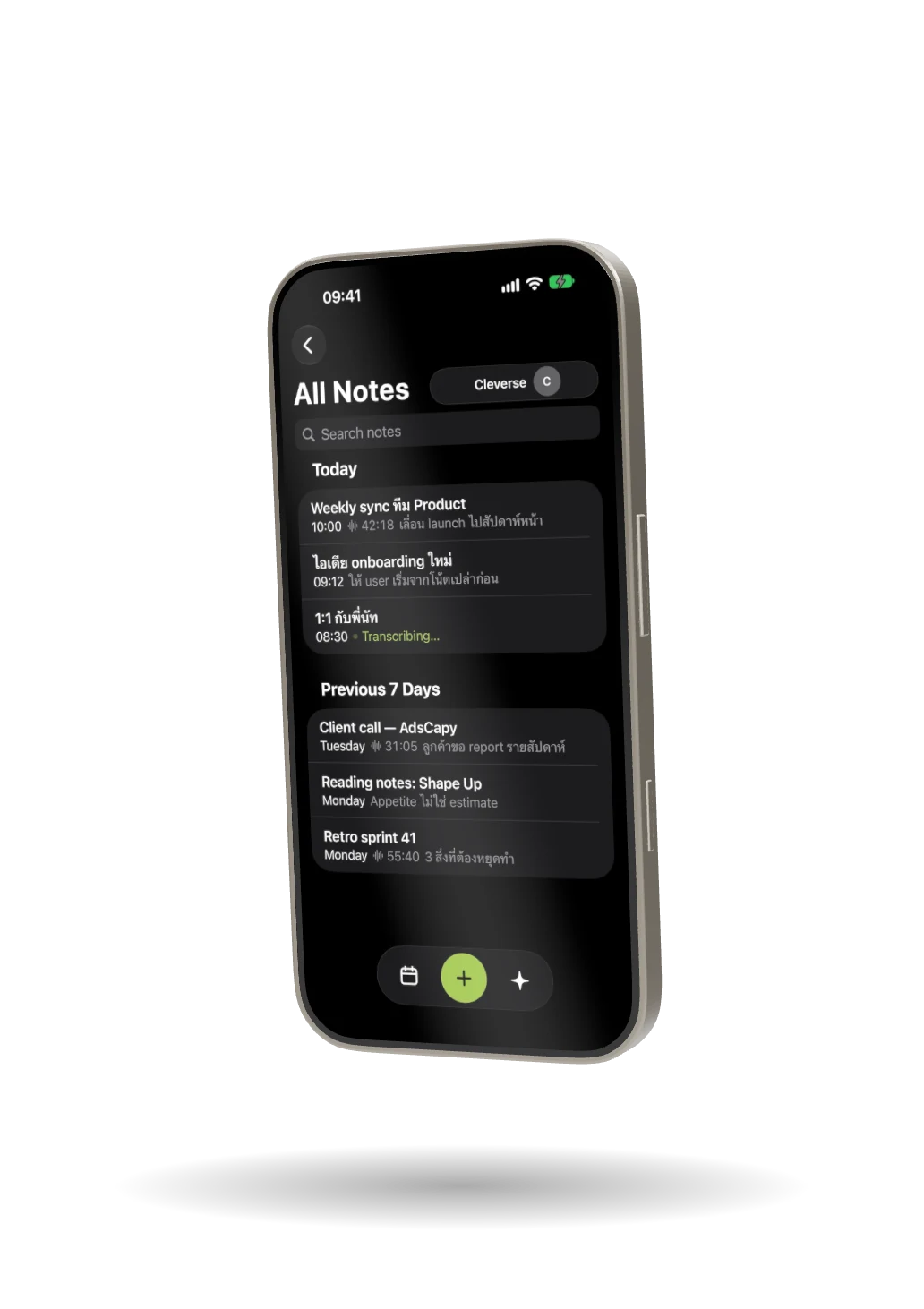
Private beta · iPhone
Notes that listen.
Notegram records the meeting while you type, then puts the transcript and a summary in the same note.
- Thai and English
- Works offline
- iOS 17 or later
Scroll to turn the phone
01 Record
Press Record. Keep typing.
Open a note and press Record. The recording sits in a small capsule at the bottom, with Pause and Stop, and the page stays yours to write on.
Lock the phone and it keeps going. The lock screen shows the clock still running.
It records the room through the iPhone's microphone. On speakerphone the other side of a call is in the room; through a headset it isn't.
02 Summary
Stop, and the note finishes itself.
Notegram uploads the audio, writes a transcript with who said what, then a summary: key points, and action items with an owner and a date.
Your own notes stay underneath, exactly as you typed them. You don't have to wait on the page; go back to your notes and it carries on by itself.
03 Ask
Ask what was decided.
Ask about one note, this month, or everything in your space. Each note offers questions written from its own summary, so the first one is a tap away.
Answers show the notes they came from.
04 Calendar
Your day is already here.
Connect Google Calendar and your meetings show up in Notegram. Press Take notes on one and the note opens at once with the meeting's name on it, even with no signal.
When a meeting is less than 30 minutes away, a card on Home says so. A reminder can ring as it starts, or up to 15 minutes before.
Notegram only reads your calendar. It never changes anything in it.
05 Import
Share it in from your other apps.
Press Share in Notes, Safari, Photos, Files or another app and pick Notegram. You see the note before you save it. Headings, lists and links keep their shape, and pictures and PDFs come with them.
Share a recording and it becomes the note's audio, transcribed like one you made here. With no signal, it waits on your iPhone until Notegram can send it.
06 Folders
Folders, and nothing else to learn.
Put notes in folders, search across all of them, and ask about a folder on its own. Folders are yours alone; swipe one to rename or delete it, and its notes move to No folder.
07 Offline
Basement meeting room? Still recording.
Notegram reads from your iPhone first; the network only brings it up to date. With no signal you can still write and record.
The recording is saved on the phone and sends itself when you're back online.